 Pidgy
PidgyThe lifestyleof the ambitious.
Pidgy manages your energy, your focus and your purpose. It weighs what matters, clears what isn't ready, and lets your AI agents take real work off the board while you do the part only you can do.
Early access goes out in small groups. Email adrian@montoya.world for a spot.
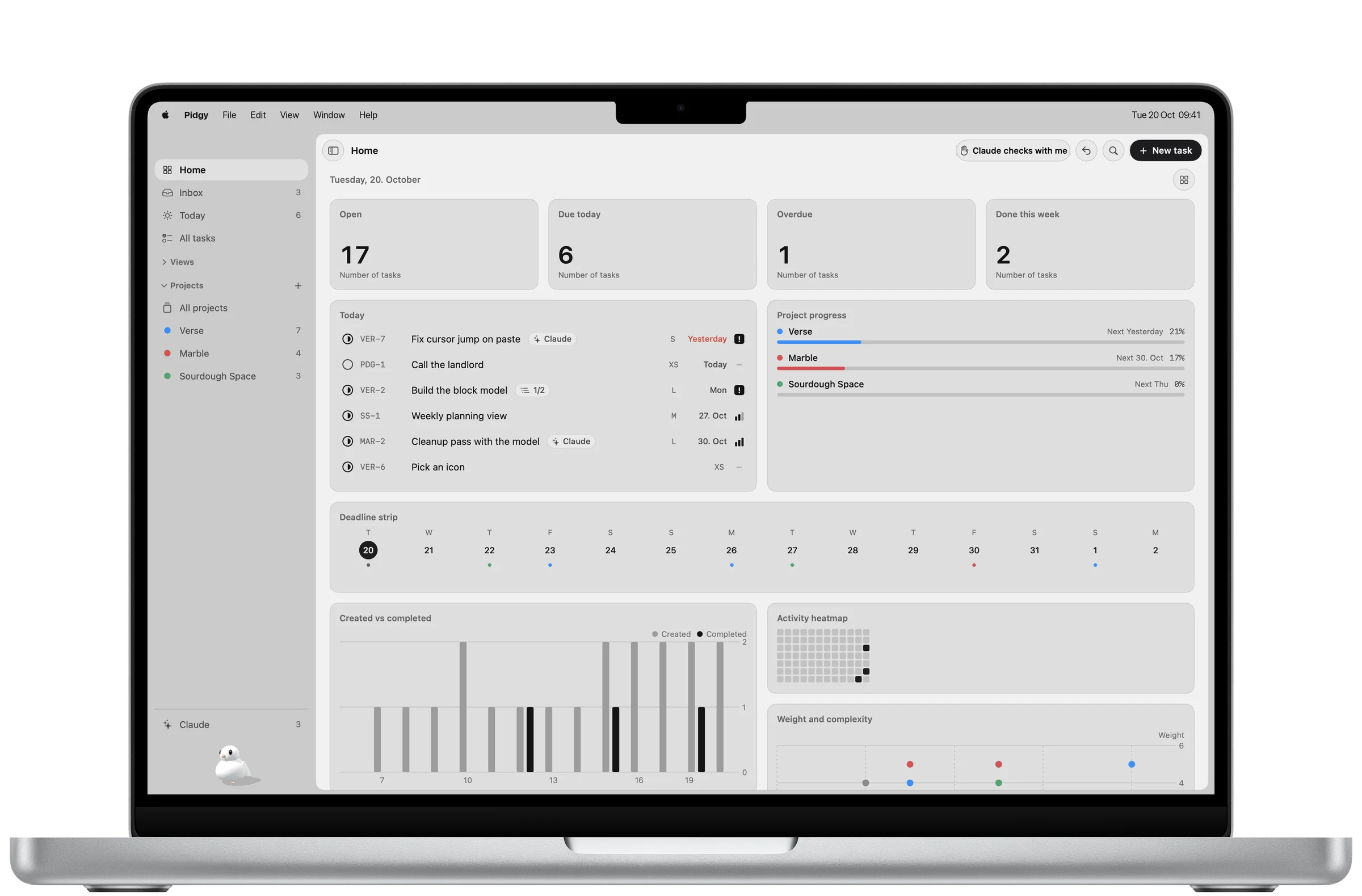
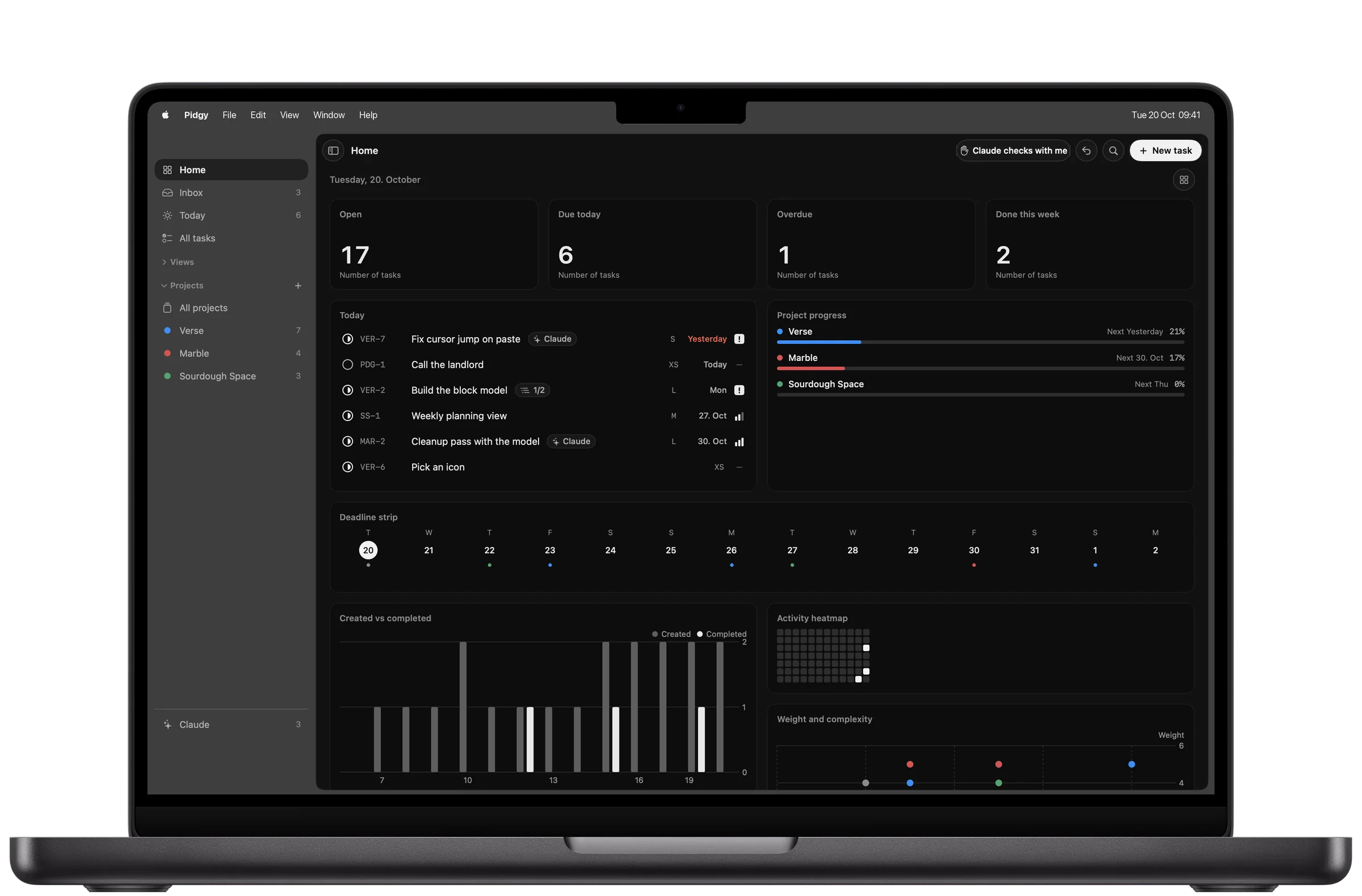
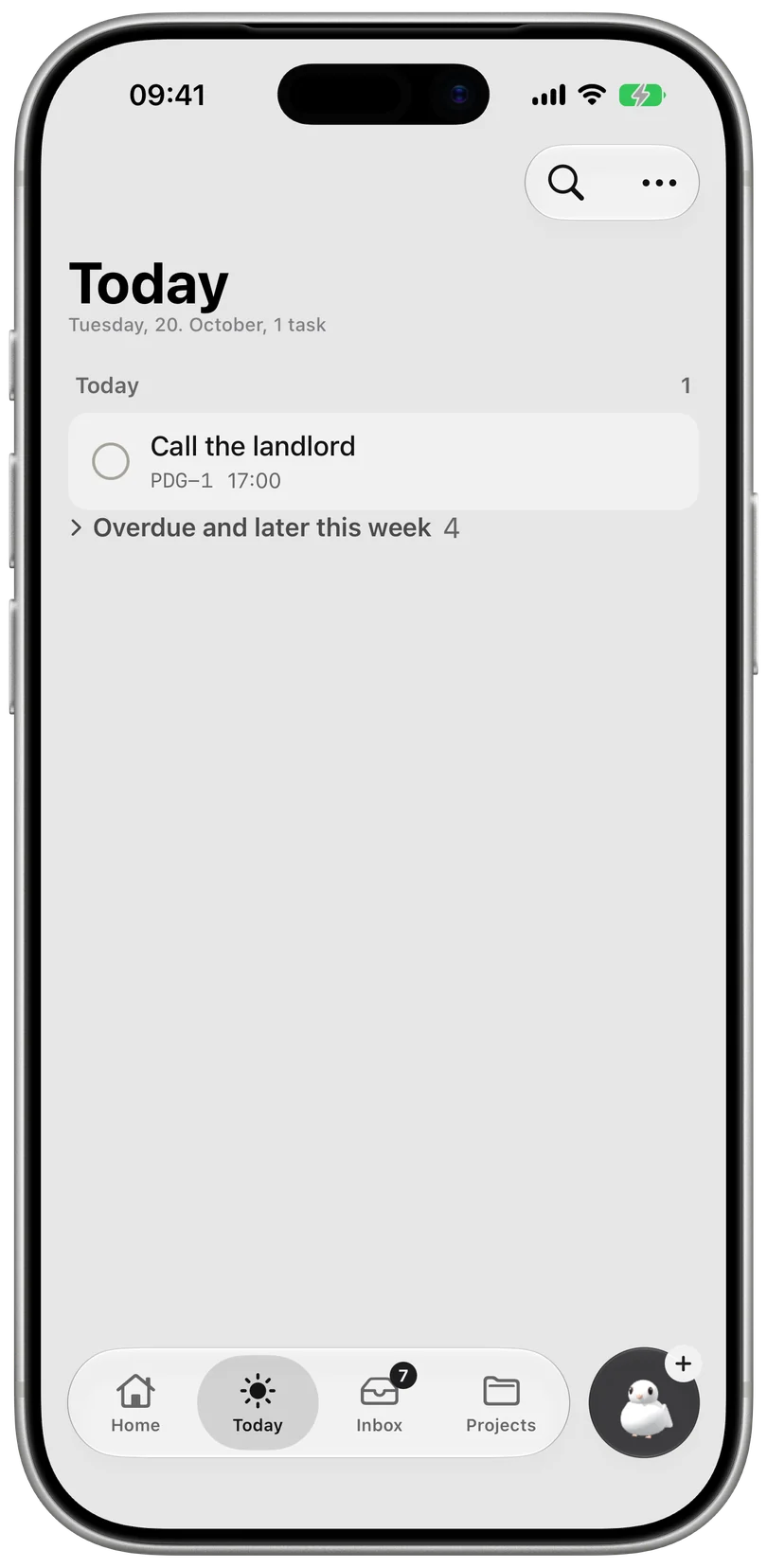
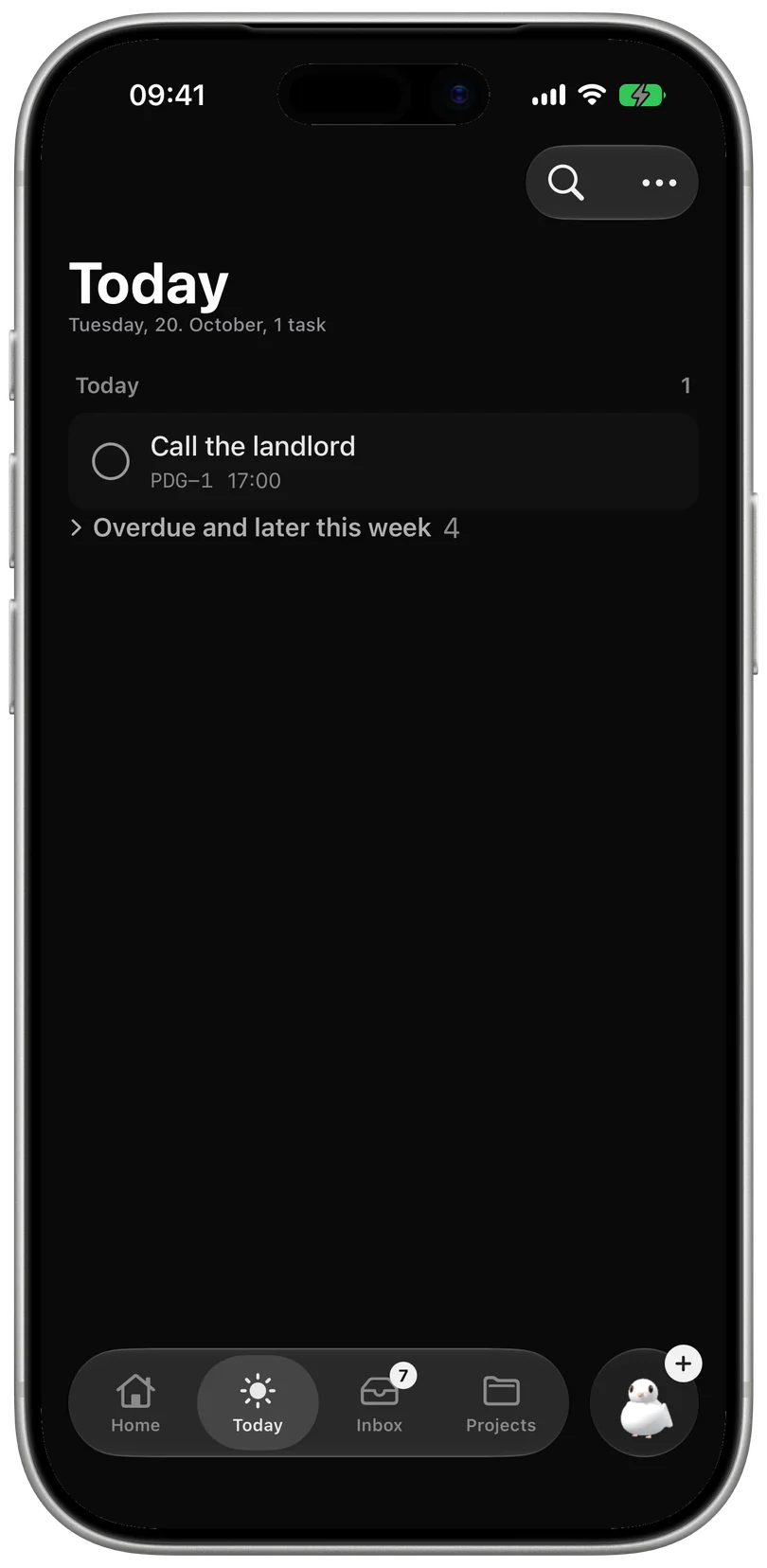
Ambitious people rarely run out of things to do. They run out of energy, attention and reasons. Pidgy is built to protect all three, and to hand the rest to your agents.
Spend energy where it pays back.
Every task in Pidgy carries a weight, how much it matters, and a complexity, how much it takes. Pidgy divides one by the other and puts the work with the most return first.
- w1 to w5Weight is your judgement of what matters.
- XS to XLComplexity costs 1, 2, 3, 5 or 8 points.
- w ÷ cLeverage ranks Up next, after deadlines and blockers.
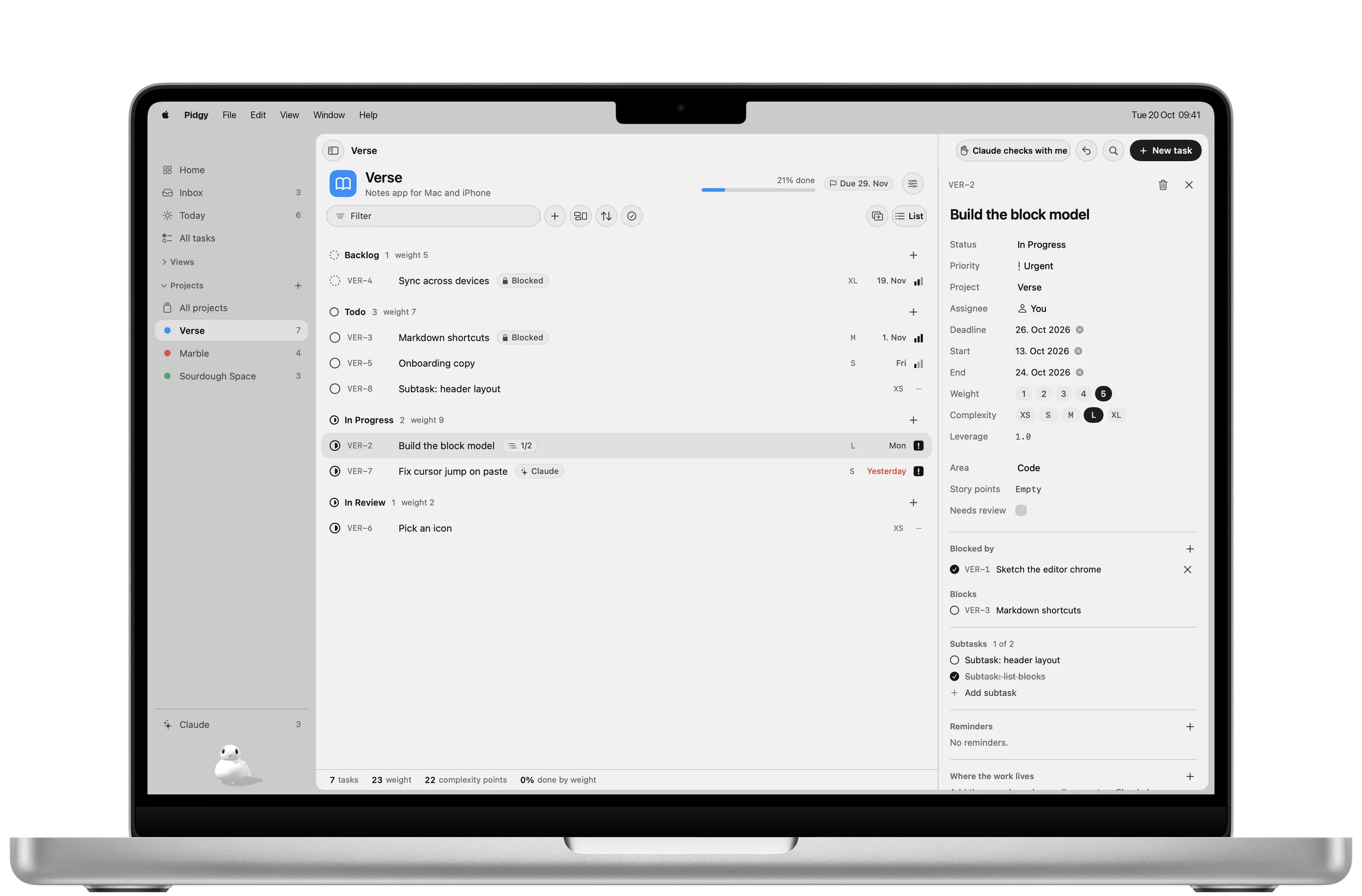
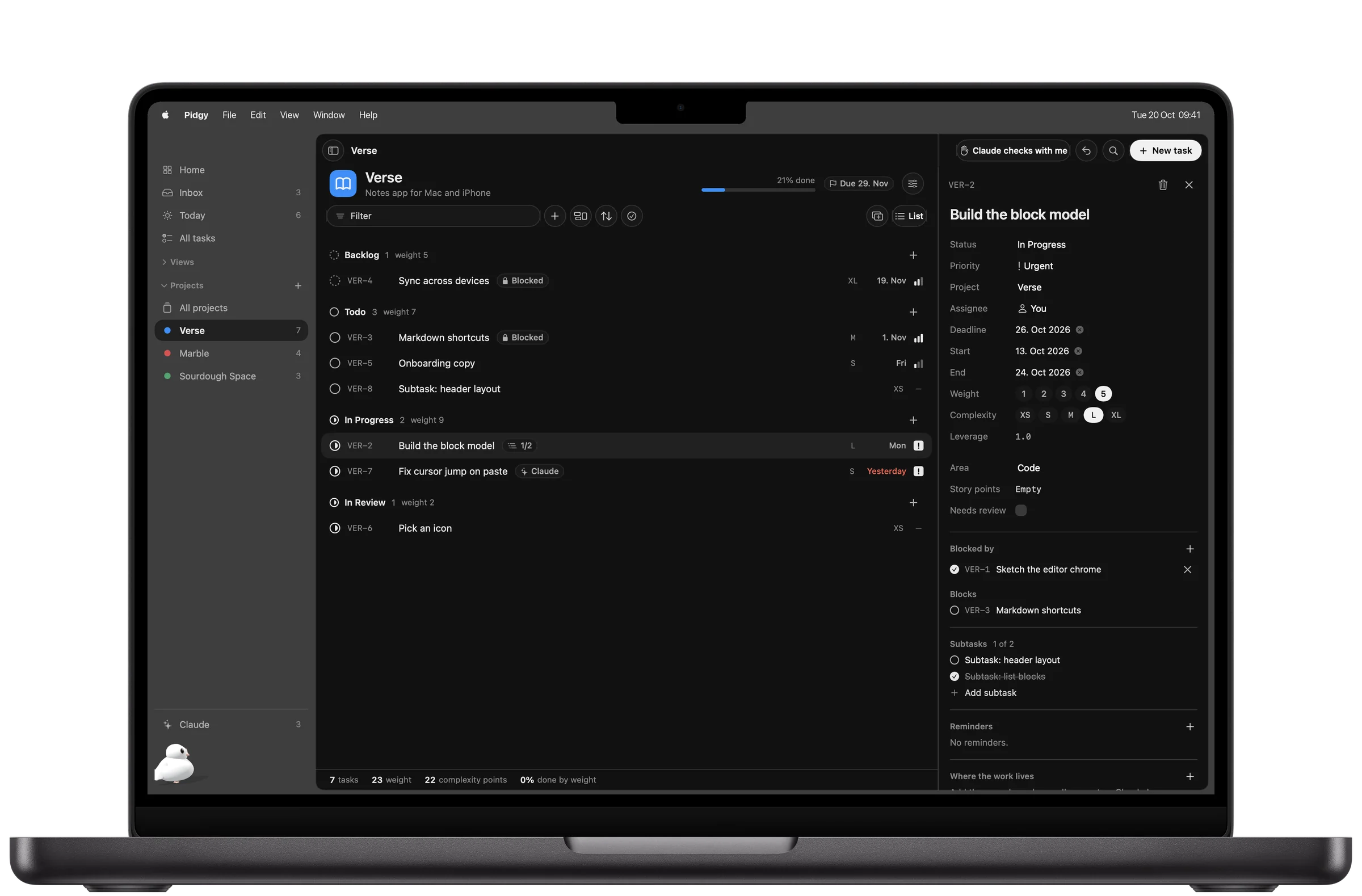
Every task carries its own numbers. Open any task and the weight, complexity and leverage sit beside the deadline, the blockers and the agent who has it.
Real screen, Pidgy for MacOnly what's ready. Only today.
Blocked work stays out of sight until the thing in its way is done. Today shows what is overdue, what is due, and what is free to start, and nothing else asks for your attention.
- openEverything on your plate, across every project.
- readyHide what is blocked by another task.
- todayKeep what is overdue or due now.
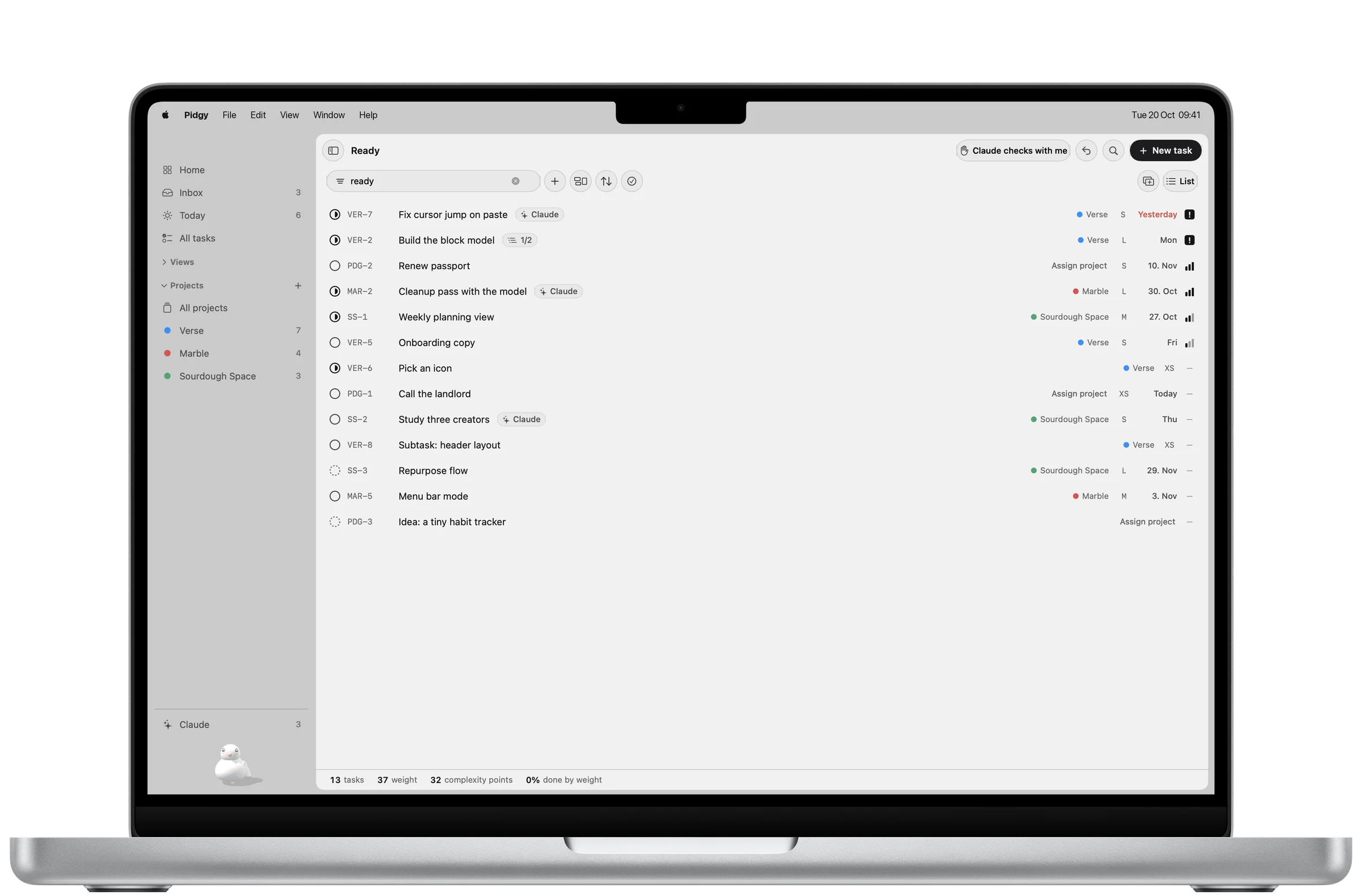
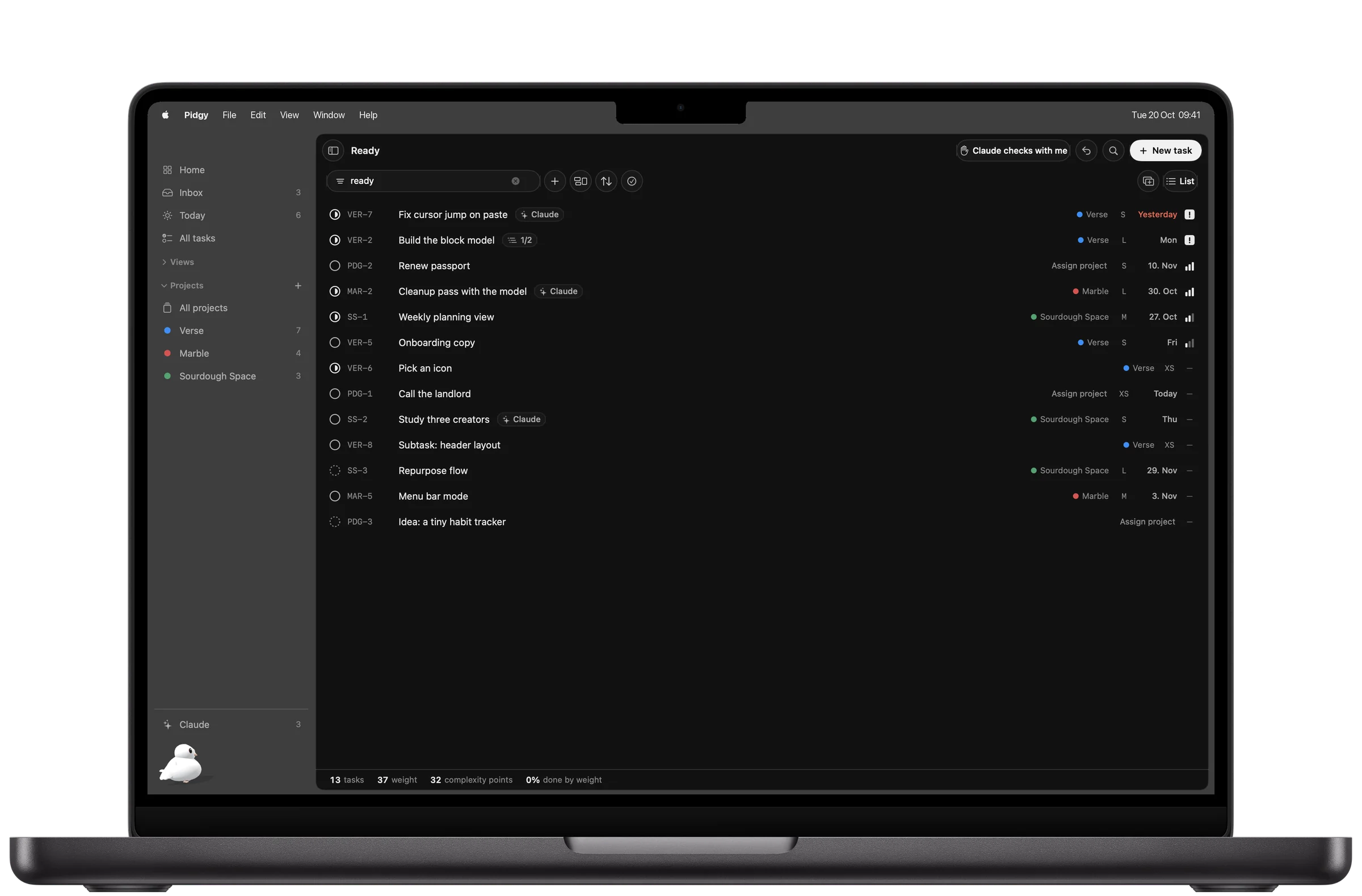
Ready is one word in the filter. Type ready and everything blocked steps aside. Save it as a view and it is one click every morning.
Real screen, Pidgy for MacProgress measured by what mattered.
Ten small chores and one hard decision are not the same day. Pidgy counts progress by weight, so finishing the thing that moves the project moves the bar, and an easy afternoon doesn't pass for a good one.
- by countHow many boxes are ticked.
- by weightHow much of what matters is done.
- olive leafFinish a project and Pidgy brings the leaf.
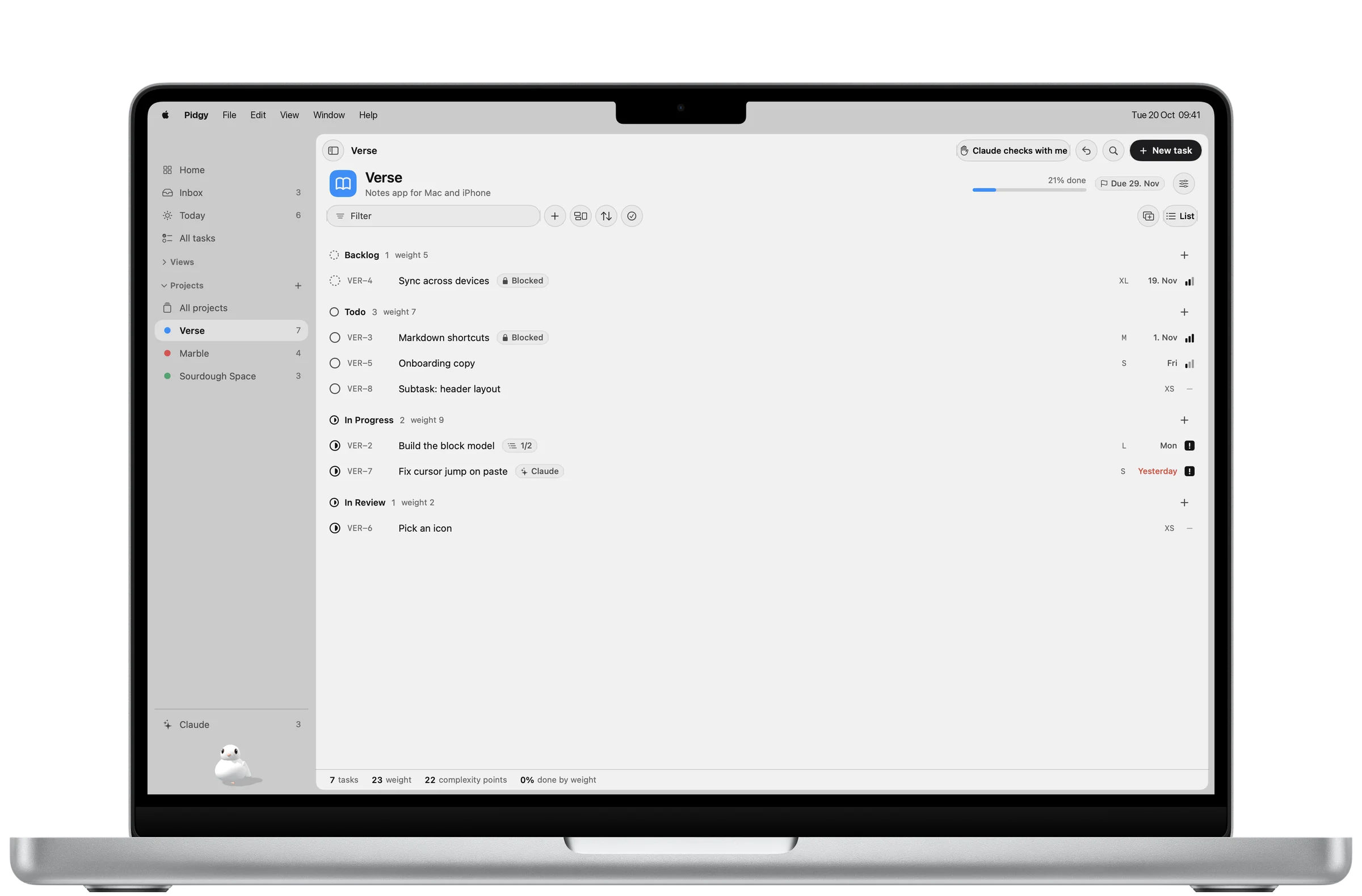
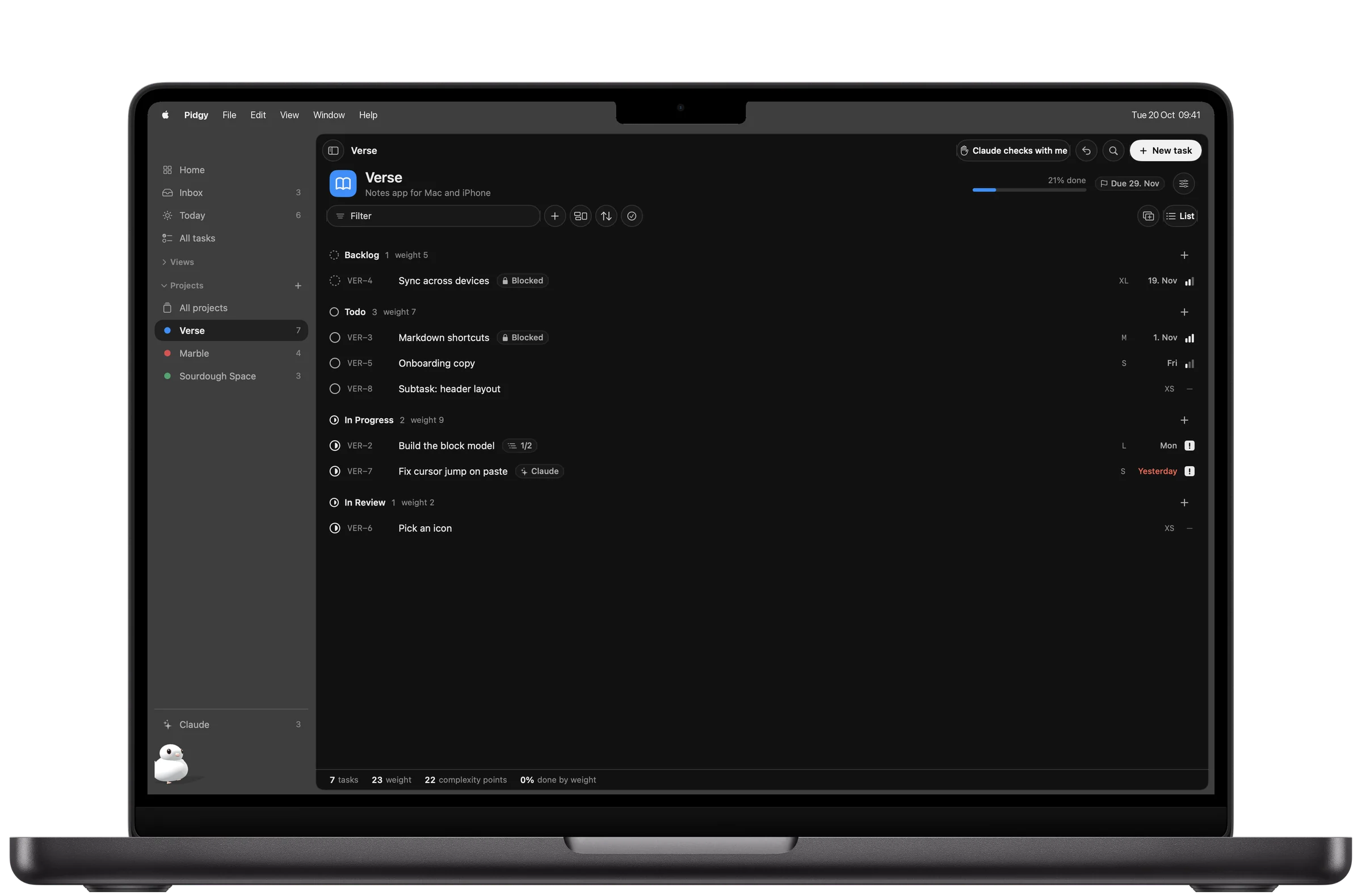
A project shows what is left, in weight. Each status group adds up its weight, and the header shows the share of the project that is done by weight and the next deadline.
Real screen, Pidgy for MacYour agents work the board with you.
Pidgy ships its own MCP server. Claude, or any agent that speaks MCP, reads the board, claims a task assigned to it, keeps you posted, and closes it with evidence. When it needs you, the question lands in Needs you.
- agent_nextClaims the best ready task assigned to it.
- agent_doneLeaves it In Review with the commit and the test run.
- agent_askParks a task and asks you one clear question.
Trust is your setting. Agents can't change it.
Already inside the app. Copy, paste, done.
claude mcp add pidgy -- /Applications/Pidgy.app/Contents/Helpers/pidgy-mcp serve
- 52 toolsProjects, tasks, views, dependencies, planning, review and the agent queue.
- Any agentClaude Code, Claude Desktop, or any client that speaks MCP.
- UndoEvery agent write is one undo step, signed with the agent's name.
- TrashDeletes wait in the Trash for 30 days.
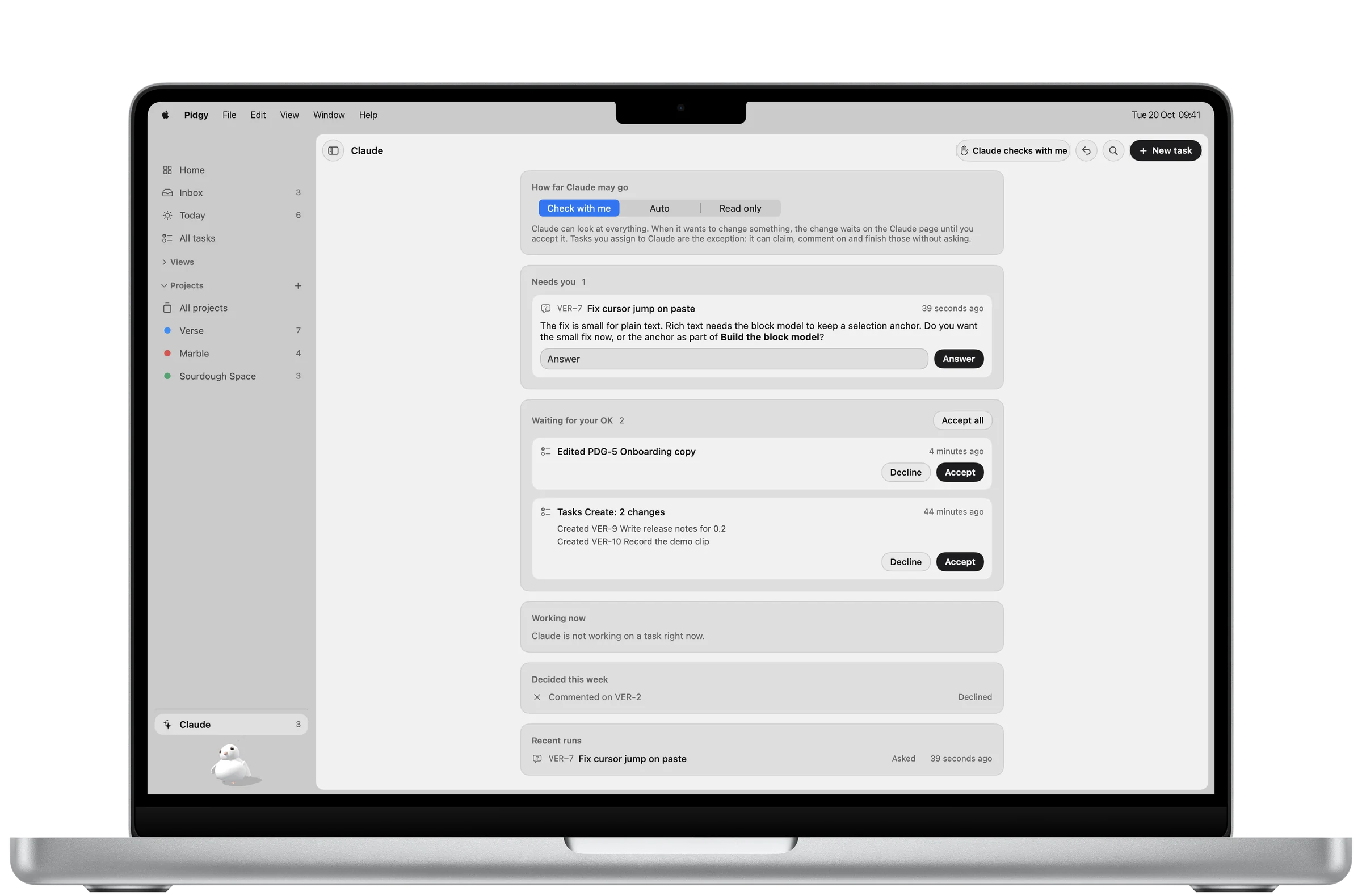
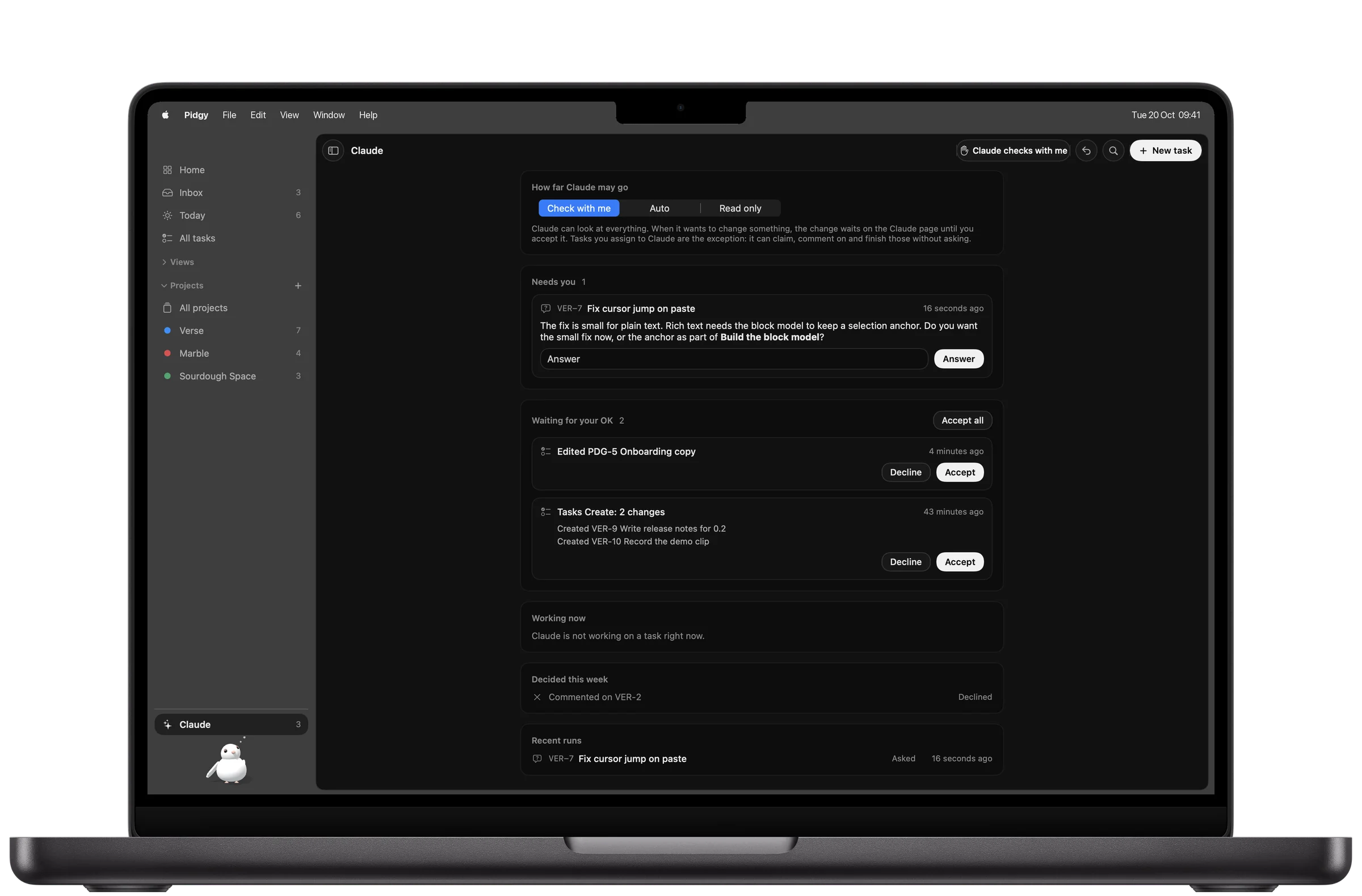
The Claude page. What your agent asked, what it wants to change and waits on you to accept, what it is working on now, and every run it finished.
Real screen, Pidgy for MacOn your desk, in your pocket, on your Lock Screen.
Native on Mac, iPad and iPhone, synced through your own iCloud. Every screen on this page is a real capture of the app, with example projects.
Meet Pidgy.
A small white pigeon lives in the corner of the app. Pidgy waves when you arrive, hops when you finish something, carries the card while an agent works, and sleeps when there is nothing left to do. Tap a move, or drag to turn Pidgy around.
Pidgy watches your pointer. Every move maps to something you did.
Built for people who intend to finish.
Pidgy never asks how long something takes. It asks how much it matters and how much it costs, which you can actually answer.
A missed day is a missed day. The board shows what is true, and Today starts clean.
One database on your devices, synced through your own iCloud. Agents see it only through the MCP server you connect.
Every change, yours or an agent's, is one undo step with a name on it. Nothing an agent does is hidden.
Live like it matters.
Pidgy is in private development for Mac, iPad and iPhone. Request access and you'll get one email when your copy is ready.
Request access by emailOne email when your copy is ready. Nothing else.
Or write to adrian@montoya.world
Is Pidgy a task manager?
It holds your tasks, but it is built to decide where your energy goes. Weight, complexity and leverage pick what comes next, Today keeps your focus narrow, and progress by weight keeps your purpose in view.
Which AI agents work with it?
Claude Code and Claude Desktop connect with one line. Any agent or client that speaks the Model Context Protocol can use the same server.
Can an agent change things without me?
Only if you allow it. On Check with me, every agent write waits as a proposal you accept. Work you assign to an agent counts as approval for that task. Read only lets it look and nothing else.
Which devices does it run on?
Mac, iPad and iPhone, as native apps, kept in sync through your iCloud.
What does it cost?
Pricing is not announced. Early access goes out in small groups first.